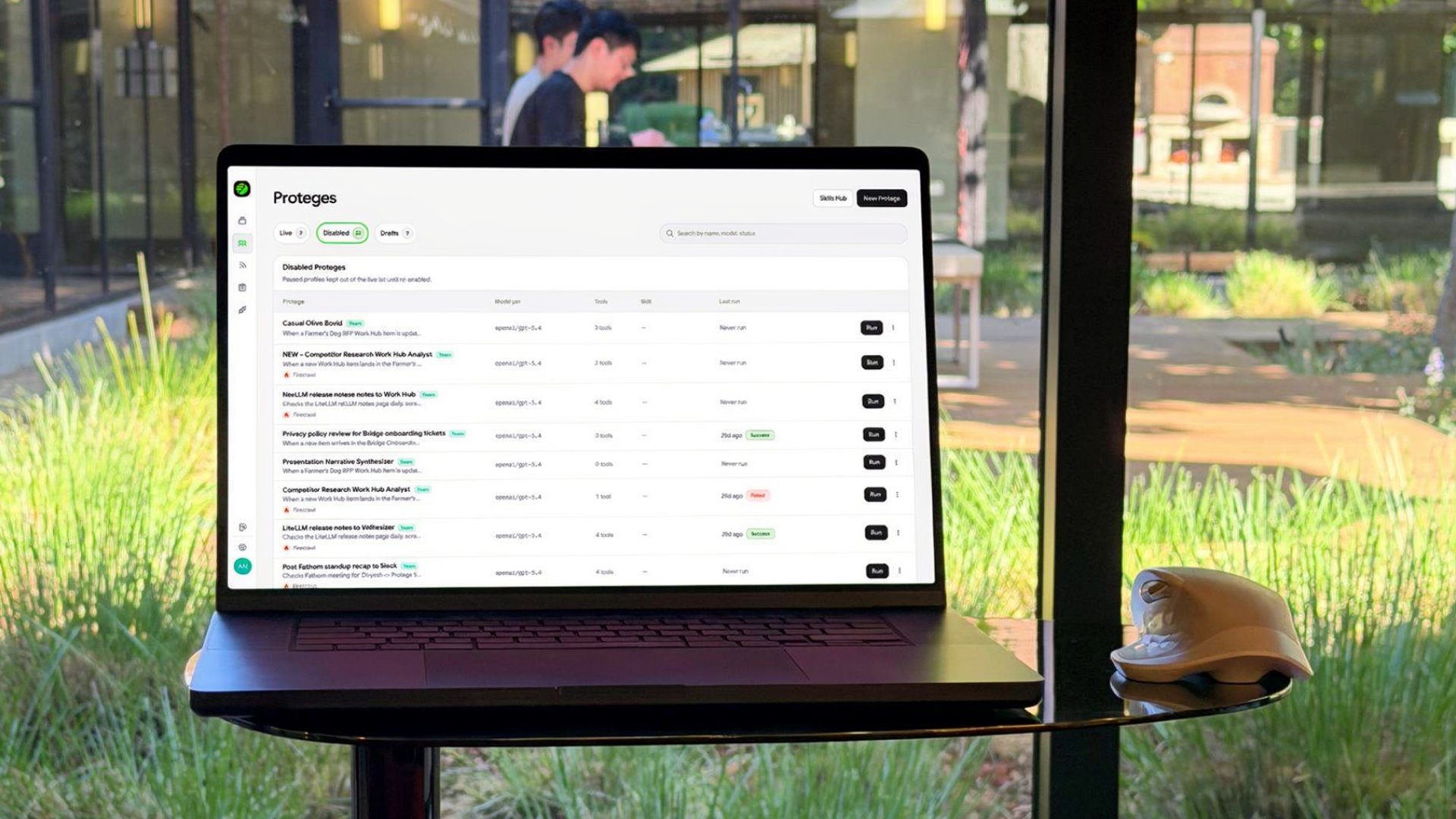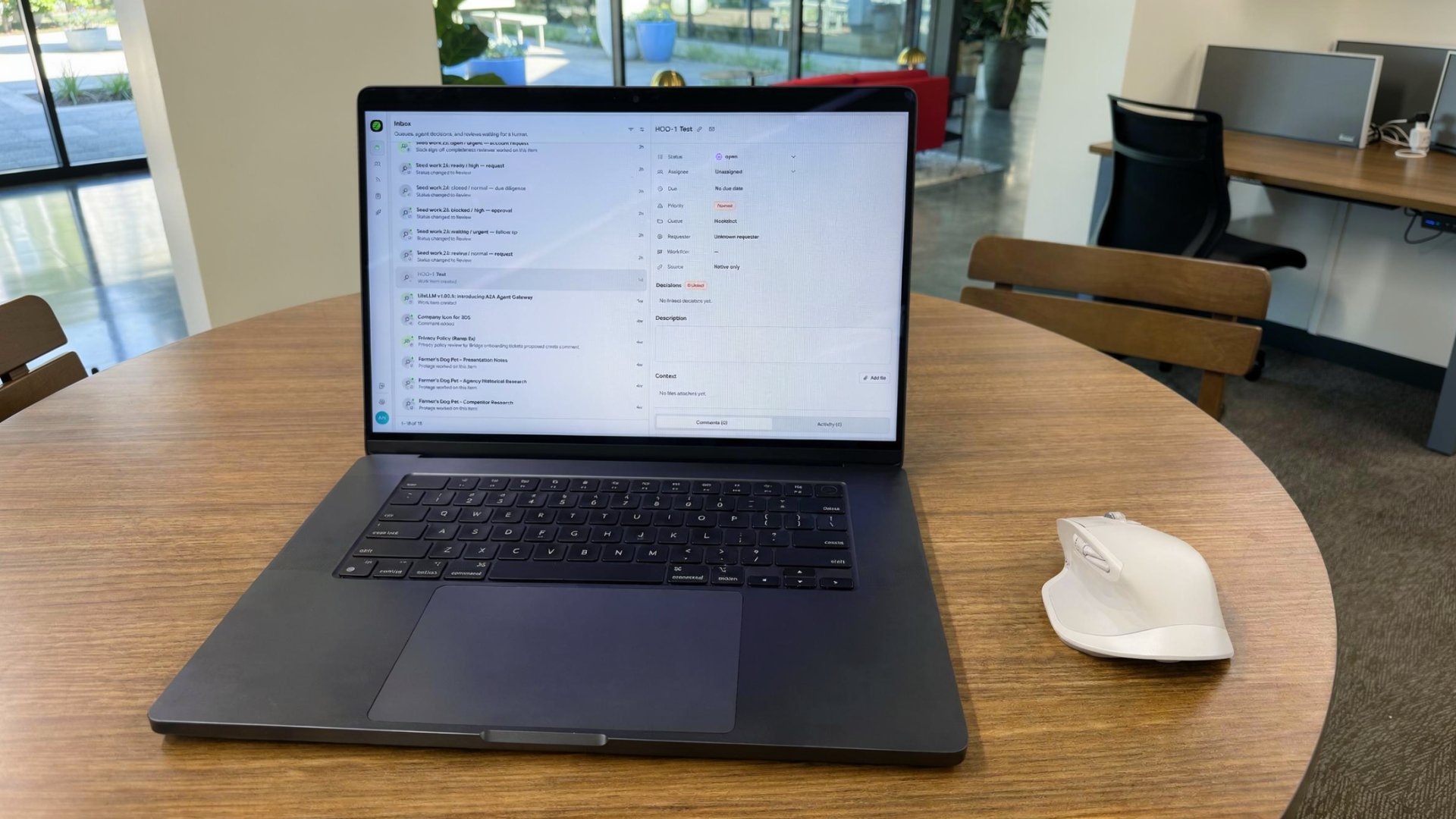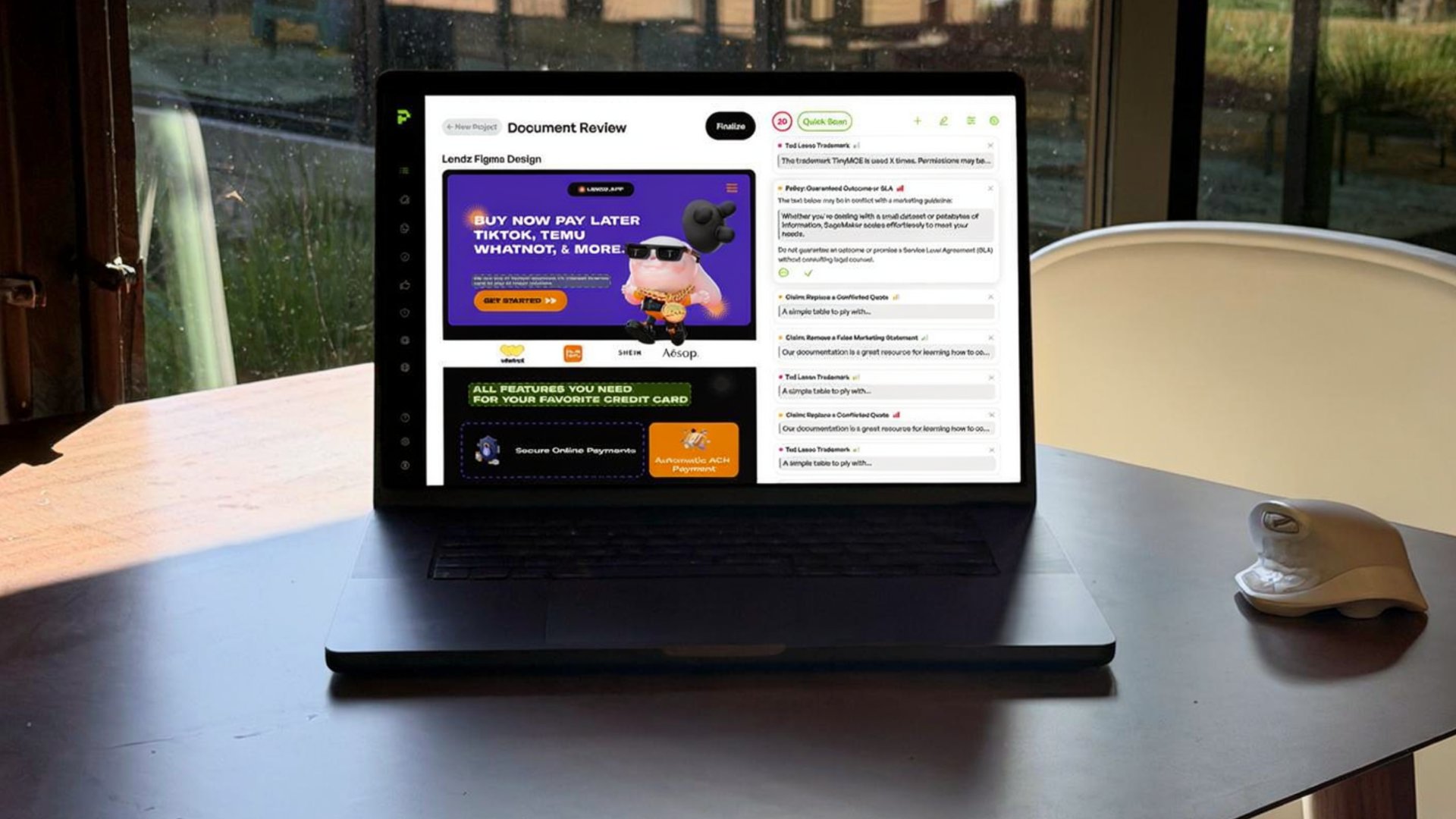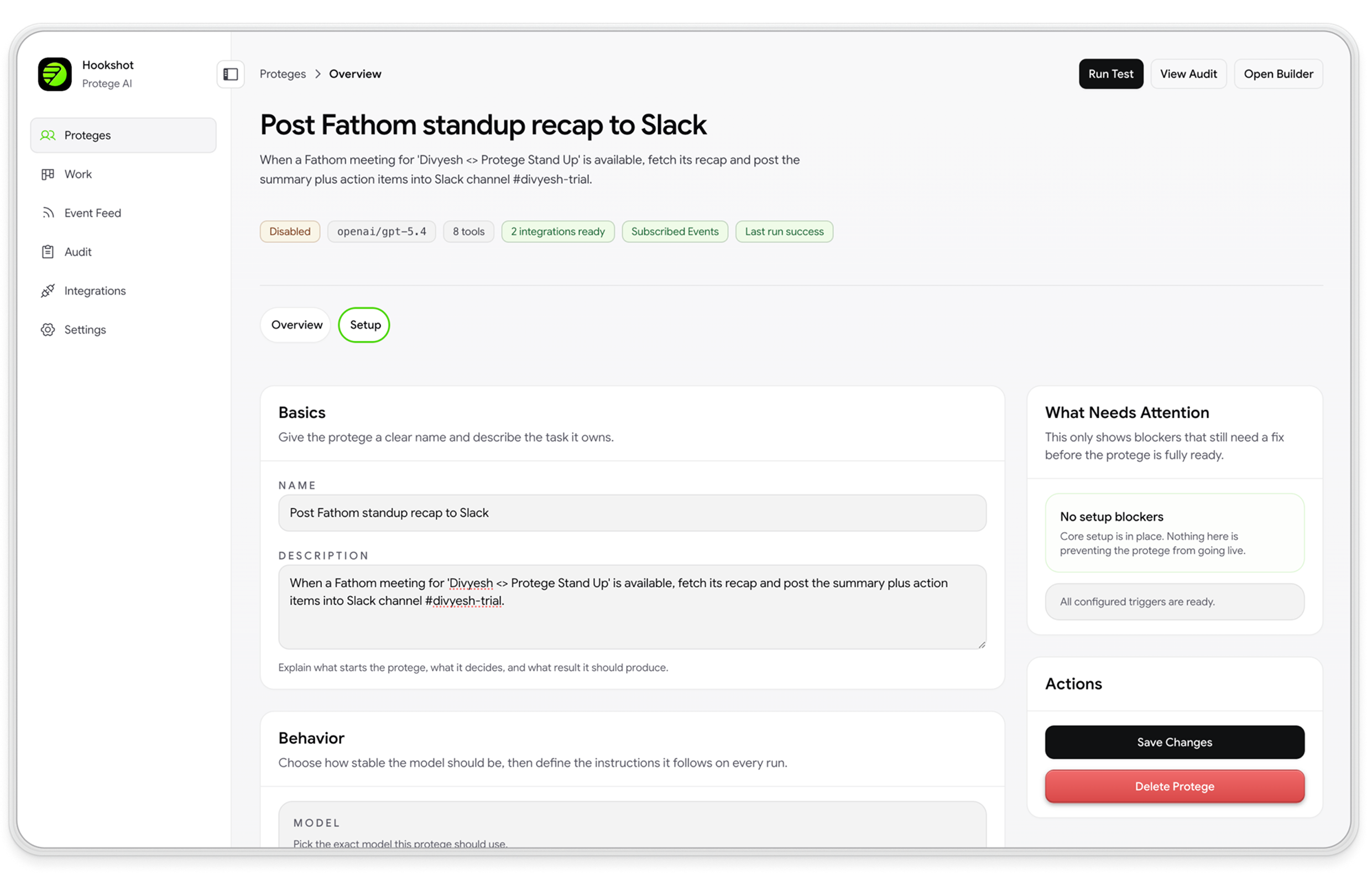
Most AI agents spend their first 30 minutes hunting context across tabs. CRM in one window, docs in another, a Slack thread, a Notion page, six tools. The problem isn’t intelligence — it’s access. Today we’re open-sourcing Almanac, the data access platform for AI agents. Connect 100+ sources through the Model Context Protocol, query a graph-enhanced knowledge layer in milliseconds, and ship agents that already know your stack. 100+ MCP sources. Five-minute setup. 8x more efficient than traditional RAG.
“Write once, work everywhere. Almanac plus MCP gives your AI agent your whole organization in one API call.”
What is Almanac?
Almanac is an open-source AI agent data access platform that unifies every data source an agent needs behind a single API. It uses the Model Context Protocol to pull from 100+ tools and applications, structures the result into a graph-enhanced knowledge layer, and lets any AI agent query that knowledge in natural language or structured calls.
Think of it as the missing context layer between large language models and the real world your team actually works in.
The problem: AI agents can’t see across your tools
Every AI agent has the same blind spot. The model is powerful. The context window is wide. But the agent has no way to reach the data sitting in your CRM, your docs, your warehouse, your tickets. So engineers build one-off connectors. Or they paste context into prompts. Or they wire up brittle RAG pipelines that only know about whatever was indexed last Tuesday.
The cost shows up in three places:
- Stale answers. Vector indexes go out of date the moment your data changes.
- Shallow context. A chunk of one document isn’t enough to reason across relationships between people, accounts, deals, and tickets.
- Engineering drag. Every new integration is custom plumbing.
Almanac was built to fix all three at once.
What makes Almanac different
Four things, working together:
- MCP-native. Every connector is a Model Context Protocol server. Add new sources without touching agent code.
- Graph-enhanced retrieval. A LightRAG-powered knowledge graph captures relationships, not just chunks — so agents can reason across entities.
- Four-database design. Document, vector, graph, and cache layers each do what they’re good at, behind one query API.
- Open source, self-hosted. MIT-licensed on GitHub. Your data never leaves your infrastructure.
Why MCP is the foundation
The Model Context Protocol is the open standard for how AI agents talk to external systems. It’s becoming the USB-C of agent tooling — one cable, every device.
Almanac treats MCP as a first-class citizen. Every data source — Salesforce, Notion, GitHub, Snowflake, Slack, Linear — is exposed as an MCP server. That means:
- Write once, work everywhere. An integration built for Almanac works for any MCP-compatible agent: Claude Desktop, Cursor, custom agent frameworks.
- No vendor lock-in. Swap models or agent runtimes without rewriting connectors.
- Community-built ecosystem. New sources land in the MCP registry weekly.
If you’re betting on AI agents, you’re betting on MCP. Almanac gives you the data layer to back that bet.
How Almanac works — the architecture
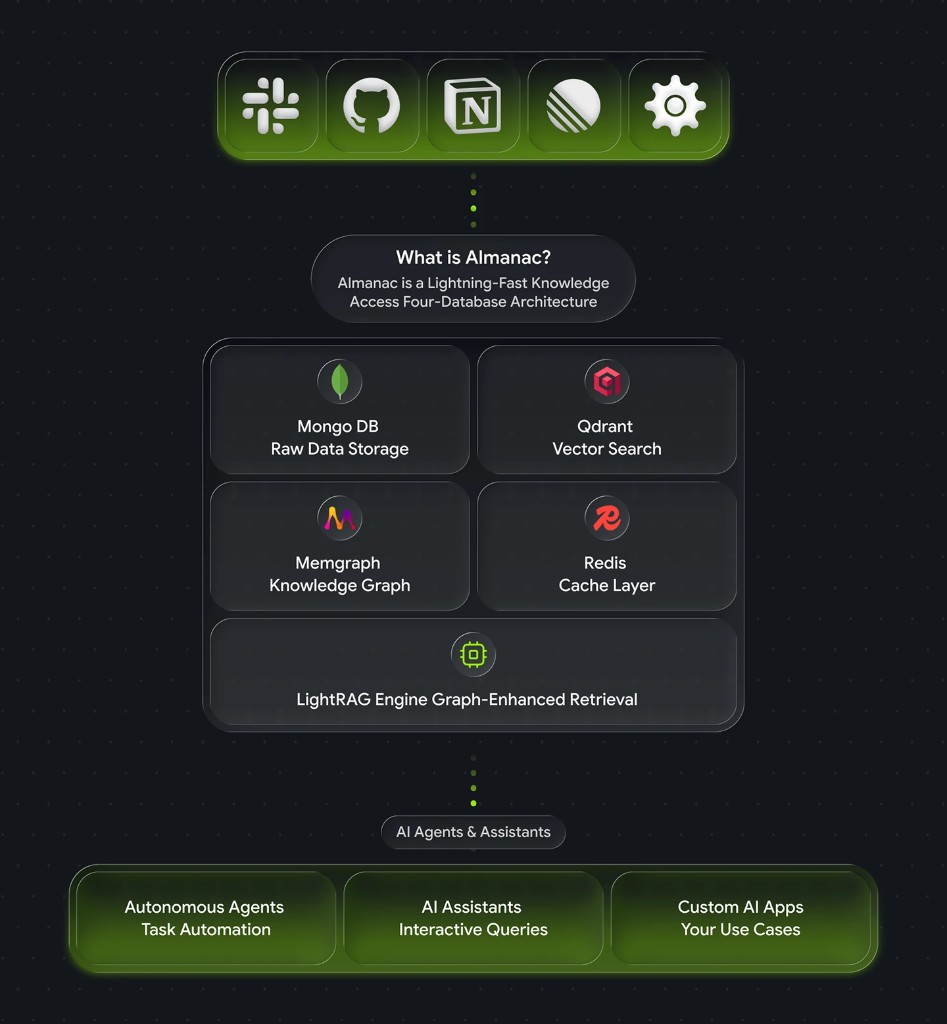
Almanac sits between your data sources and your agents. Data flows in through MCP connectors, gets indexed across four specialized databases, and is queried back out through a single API.
The four-database design
Most “AI data layers” try to cram everything into a single vector store. That works for demos and breaks in production. Almanac uses four databases, each tuned for one job:
- MongoDB — source of truth for documents and structured records.
- Qdrant — high-recall vector search for semantic queries.
- Memgraph — relationship graph for multi-hop reasoning (who reports to whom, which account owns which contract).
- Redis — low-latency cache for hot queries and recent agent context.
A query planner routes each request to the right layer — or combines them — so agents get the fastest correct answer instead of one-size-fits-all retrieval.
LightRAG: graph-enhanced retrieval
Traditional RAG retrieves chunks. Graph RAG retrieves chunks and the relationships between them. Almanac is built on LightRAG, an open-source graph-enhanced retrieval framework that delivers two big wins:
- 8x more efficient indexing and query than dense-vector-only RAG, in published benchmarks.
- Multi-hop reasoning. Ask “which open opportunities are blocked on the same legal review?” and the graph traversal does what a vector search can’t.
The result: agents that answer questions about your business, not just your documents.
Five query modes for AI agents
Almanac exposes five query modes through its API. Pick the one that matches the question your agent is asking:
| Mode | What it does | Best for |
|---|---|---|
naive | Pure vector similarity over indexed chunks | Quick lookups, FAQ-style retrieval |
local | Vector search scoped to an entity neighborhood | ”Tell me about Acme Corp” |
global | Graph traversal across the whole knowledge base | ”Which accounts use product X and signed last quarter?” |
hybrid | Vector + graph in a single planned query | Most agent workflows — the default |
mix | Hybrid plus document re-ranking | Long-form answers that need citations |
Most agents start on hybrid and only switch when a specific workflow demands something else.
Almanac in action: sales intelligence example
Say your AI agent gets the question “What do we know about Acme Corp and what should I focus on for next week’s meeting?”
Without Almanac, the agent has to chain six tool calls and stitch the result together. With Almanac, it’s one query:
{
  "mode": "hybrid",
  "query": "What do we know about Acme Corp and what should I focus on for next week's meeting?",
  "sources": ["salesforce", "gong", "notion", "linear"]
}
Almanac plans the query across Salesforce (the account record), Gong (recent call transcripts), Notion (the account plan), and Linear (open product issues touching their workflows). The response comes back as structured, ranked context the agent can reason over:
{
  "results": [
    {
      "source": "salesforce",
      "entity": "Acme Corp",
      "summary": "Enterprise tier, $480k ARR, renewal in 47 days, owner: Priya Patel",
      "related": ["3 open opportunities", "2 escalations last 30 days"]
    },
    {
      "source": "gong",
      "summary": "Last 3 calls flagged concerns about onboarding speed and API rate limits.",
      "speakers": ["VP Engineering (Acme)", "AE (Protege)"]
    }
    // ... 3 more ranked results
  ],
  "graph_context": {
    "decision_makers": ["Acme VP Eng", "Acme CTO"],
    "blocking_issues": ["LIN-4421: API rate limit increase"]
  }
}
That’s the difference between “a chunk of a Salesforce note” and “context your AE could actually walk into a meeting with.”
Get Almanac running in 5 minutes
Step 1: Install
git clone https://github.com/tryprotege/almanac.git
cd almanac
pnpm install && pnpm start
The default docker-compose stands up MongoDB, Qdrant, Memgraph, and Redis. No external dependencies.
Step 2: Configure
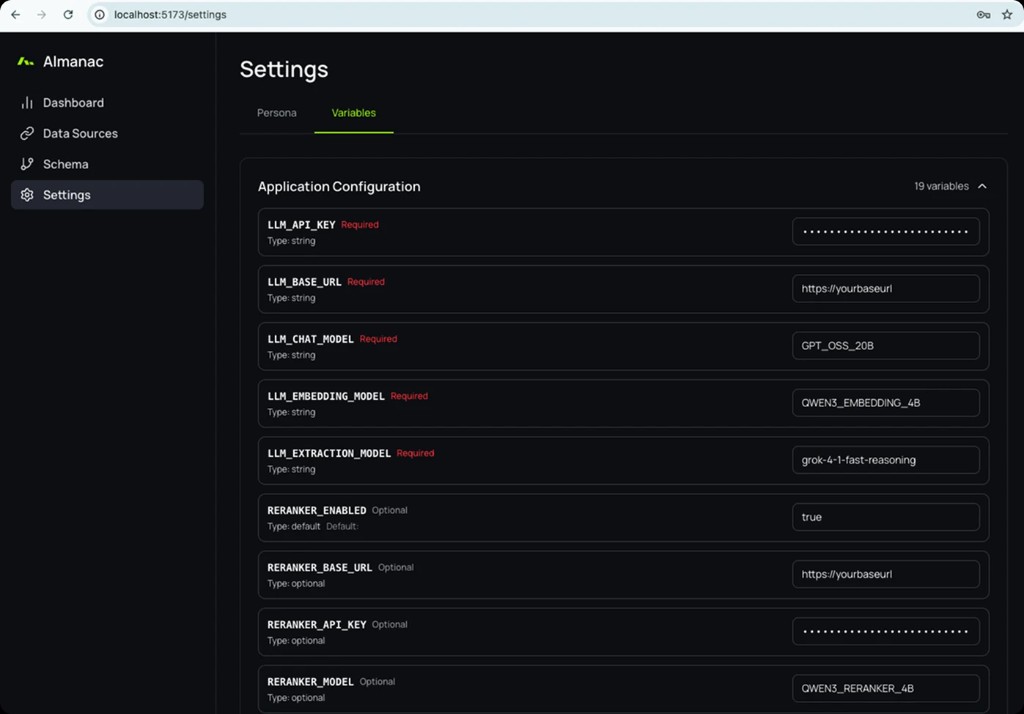
Open localhost:5173 and you’ll land in the setup wizard. Drop in an LLM API key (OpenAI, Anthropic, or any OpenAI-compatible endpoint) and choose your embedding model. That’s the entire required config — the rest has sensible defaults.
Step 3: Connect data sources
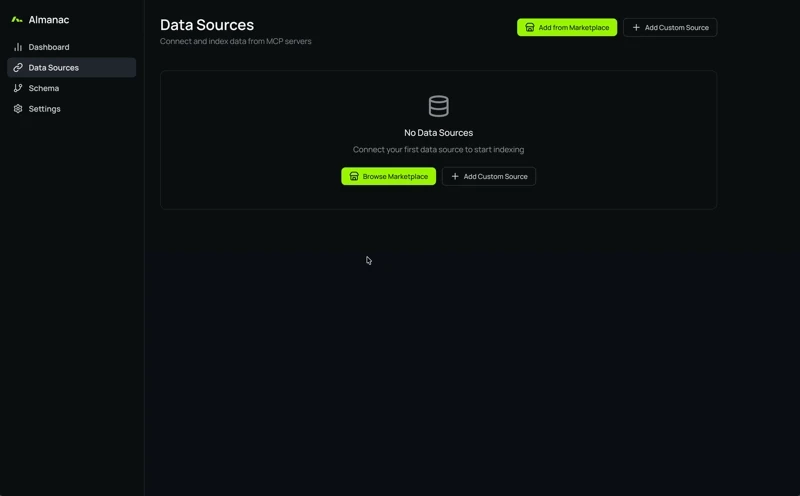
Click Add Data Source and pick from the MCP marketplace — 100+ connectors covering CRMs, docs, warehouses, code hosts, and project tools. Or point Almanac at your own MCP server with Add Custom Source. Indexing starts as soon as the connector authenticates.
Step 4: Query
curl -X POST "$ALMANAC_URL/api/query" \
  -H "Content-Type: application/json" \
  -d '{
    "mode": "hybrid",
    "query": "Which enterprise accounts renewed in the last 90 days?"
  }'
Five minutes from git clone to your first agent query. Set ALMANAC_URL to your Almanac host (default local dev listens on port 5173).
Use Almanac from Claude Desktop via MCP
Because Almanac is itself an MCP server, you can plug it straight into Claude Desktop, Cursor, or any MCP-compatible agent runtime. Add this to your Claude Desktop config:
{
  "mcpServers": {
    "almanac": {
      "command": "npx",
      "args": ["-y", "@tryprotege/almanac-mcp"],
      "env": {
        "ALMANAC_URL": "<your-almanac-host>",
        "ALMANAC_API_KEY": "your-key-here"
      }
    }
  }
}
Restart Claude Desktop and your assistant now has a single tool — almanac.query — that gives it access to every connected source.
Why MCP makes Almanac future-proof
The agent landscape will keep shifting. New models. New runtimes. New protocols competing with MCP. By building on an open standard:
- The connectors you write today work with the agents you adopt next year.
- Community-built MCP servers extend Almanac without us shipping a thing.
- You can replace Almanac with another MCP-compatible store if we ever stop earning your trust.
That last one is the point. Open source, open standard, your infrastructure.
Roadmap
What’s next, in priority order:
- Streaming query responses for long-form agent answers.
- Per-source access policies so agents can be scoped to a subset of connectors.
- Multi-tenant deployments for teams running Almanac as internal infrastructure.
- More native MCP connectors — vote on what you want at the GitHub discussions.
Almanac is live now. Clone it on GitHub, skim the docs, and ship an agent that actually knows your stack. If you build a connector worth sharing, send a PR — that’s how the data layer for AI agents gets built.
Frequently asked questions
What is Almanac?
Almanac is an open-source data access platform for AI agents. It connects to 100+ data sources through the Model Context Protocol, indexes them into a graph-enhanced knowledge layer, and exposes a single query API that any AI agent can call.
What is the Model Context Protocol (MCP)?
MCP is an open standard for connecting AI agents to external tools and data sources. It defines a single, consistent interface so an agent built today works with new connectors tomorrow without code changes. Almanac uses MCP for every connector.
How is Almanac different from traditional RAG?
Traditional RAG retrieves text chunks based on vector similarity. Almanac adds graph-enhanced retrieval (via LightRAG) so it can reason across the relationships between entities — accounts, people, tickets, opportunities — not just the text of a single document. In published benchmarks, graph RAG runs about 8x more efficiently than dense-vector-only RAG.
Why four databases instead of one?
Each database does one thing well. MongoDB stores documents. Qdrant handles vector search. Memgraph holds the relationship graph. Redis caches hot queries. A unified query planner routes each request to the right layer, so agents get the fastest correct answer instead of one engine pretending to do everything.
Which AI agents and assistants can use Almanac?
Anything that speaks MCP — Claude Desktop, Cursor, custom agent frameworks built on Anthropic, OpenAI, or local models. Almanac is also callable directly over HTTP if you don't need MCP. The same data layer serves every runtime.
Is Almanac really open source?
Yes. Almanac is MIT-licensed on GitHub. You self-host it, your data stays in your infrastructure, and you can fork it. Contributions, issues, and connector PRs are welcome.