Immutable Event Feed
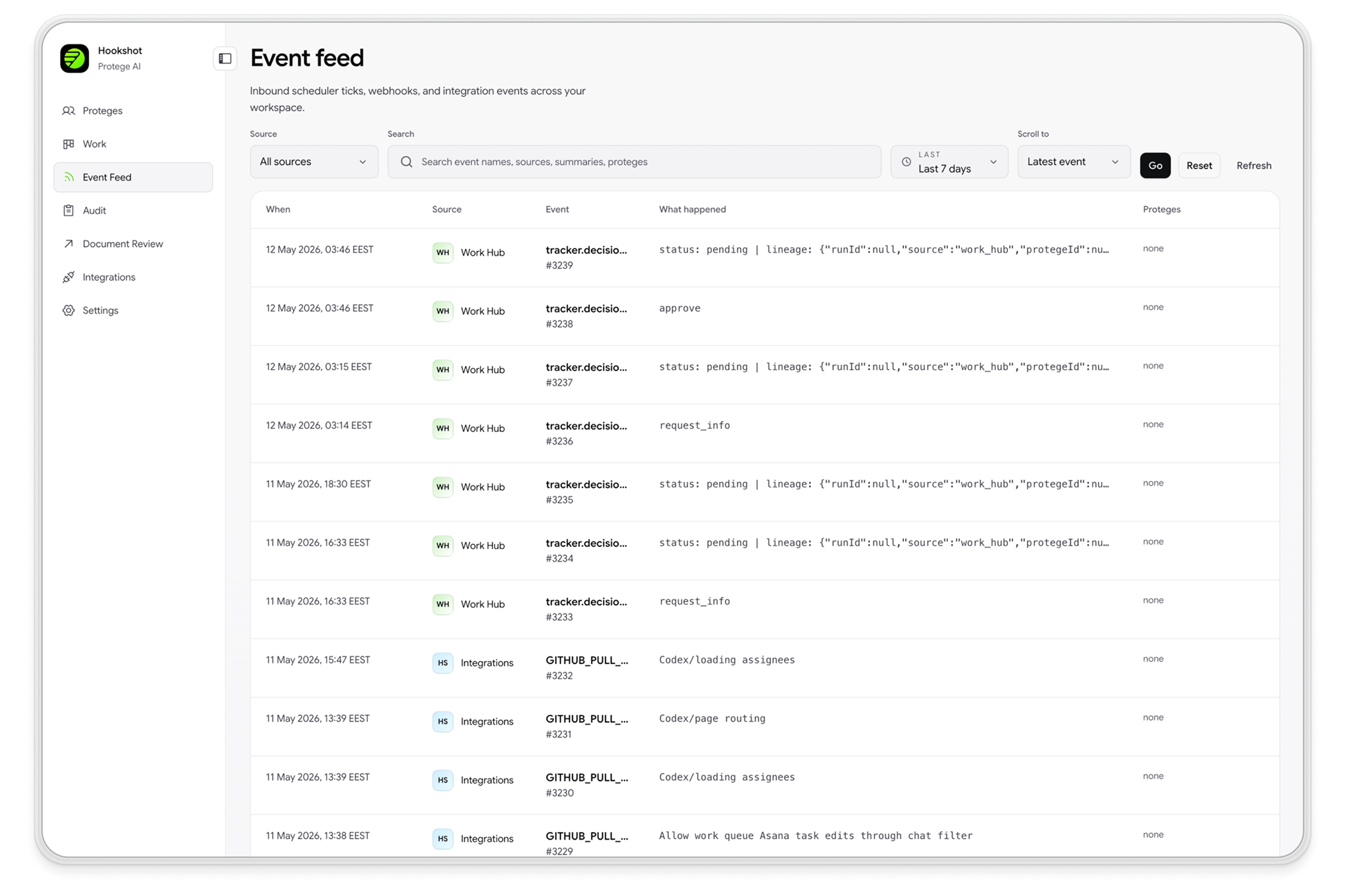
Every inbound webhook, OAuth event, or MCP message is recorded in a tamper-proof feed. Teams can inspect raw payloads and access triggered runs to debug using factual data.


Hookshot™ Agents is the agentic automation platform — one workspace where Ops, PMO, Risk, IT, and Marketing build, run, and audit AI agents across 1,000+ enterprise apps, with run-level evidence for every decision.
Product
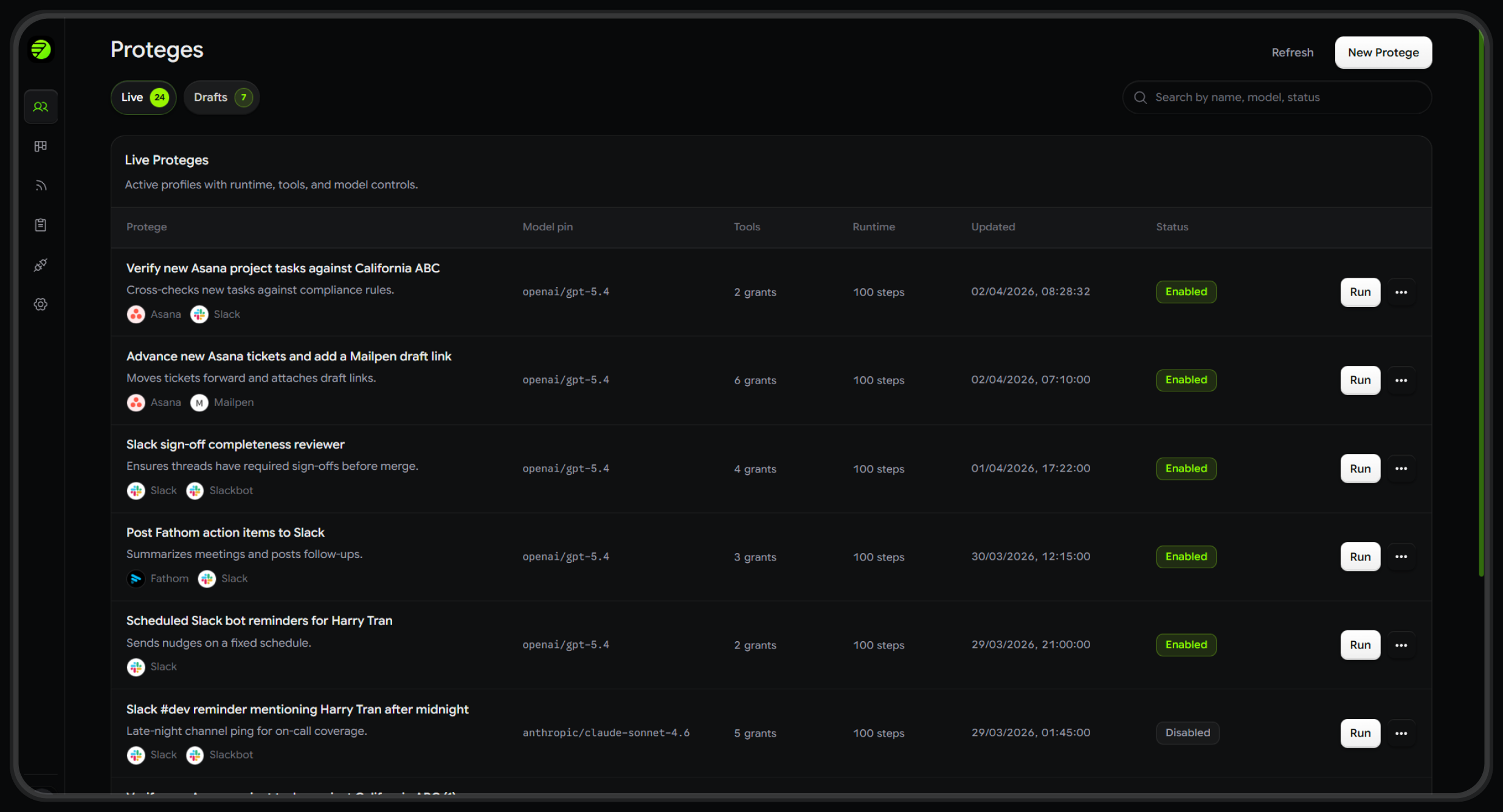
Build with engineering or PMs, operate with Ops and PMO, and govern with Risk, IT, and Audit, all without managing multiple tools or searching through logs.
01 — Build
Engineering and PMs describe the job once. Hookshot™ drafts triggers, tools, and guardrails, enabling Ops, IT, and Risk to review, test, and validate before deployment.
02 — Operate
Every inbound event is recorded in an immutable feed. Ops and PMOs can navigate from event to run with one click, then filter by outcome, latency, tokens, and cost to triage based on facts.
03 — Govern
Risk, IT, and program leads can review the rationale for each agent run or non-run, and attach Teaching Notes to make sure future runs are safer, more consistent, and compliant.
Capabilities
Designed to help Ops triage quickly, PMOs verify actions, Risk and IT manage change, and Marketing route work through agents with full traceability.
Every inbound webhook, OAuth event, or MCP message is recorded in a tamper-proof feed. Teams can inspect raw payloads and access triggered runs to debug using factual data.
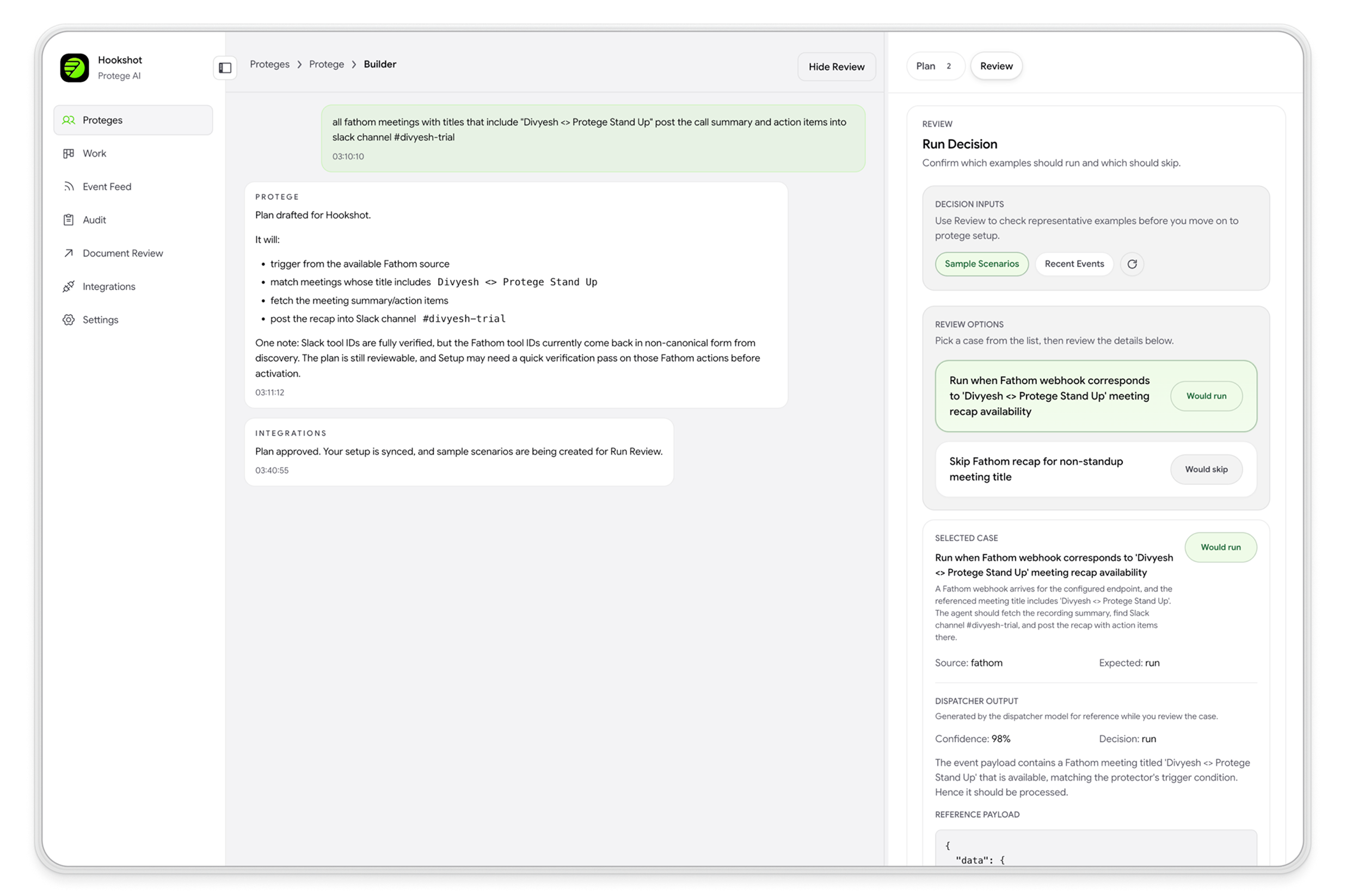
Describe, plan, configure, validate, and deploy. Hookshot™ proposes the setup, while Ops, IT, and Risk validate with Engineering using realistic test inputs before production release.
Assign agents to GPT, Claude, or open-source models. Swap models without rewriting workflows, allowing teams to optimize for quality, speed, or cost as needed.
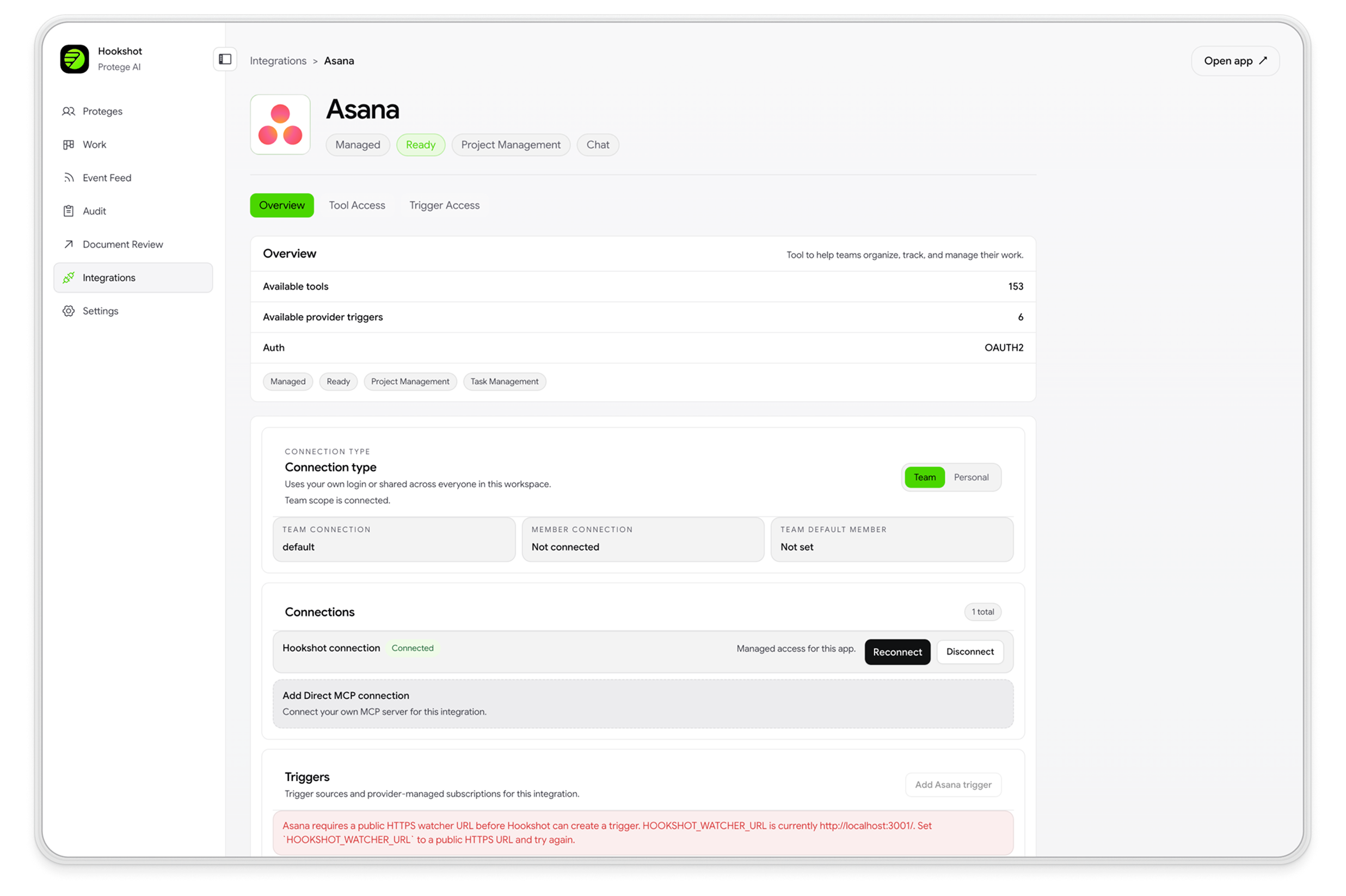
Integrations are labeled as Connected, Needs Setup, Degraded, or Unsupported. Trigger access and tool access are tracked separately, enabling operators to identify integration risks before they impact runs.
Operators attach run-level feedback on what should have happened and what context was missing. That feedback rolls into fleet-level patterns to improve reliability, not just one-off fixes.
Each tool call is labeled as read or write, enabling Risk, Audit, and IT to verify action scope efficiently during reviews and incident response.
Teams
Each team receives a dedicated workspace with integrations for existing tools, connected workflows, and managed automation for SLAs, delivery, risk, service desks, and campaign operations.
Open accounts, onboard hires, clear internal requests. Each handoff runs and gets logged.
Your service queue runs with preview before writes.
Work moves between your systems, and you can see where each item stands.
Decisions are recorded as the program runs, so reviews start from a real trail.
Every action taken or skipped is logged so compliance can see exactly what happened.
Before launch, Protege AI Review checks assets and timestamps every approval.
Workflow
Connect once, define behavior in plain language, and monitor every outcome. Engineering, Ops, and Risk all access the same record.
Step 01
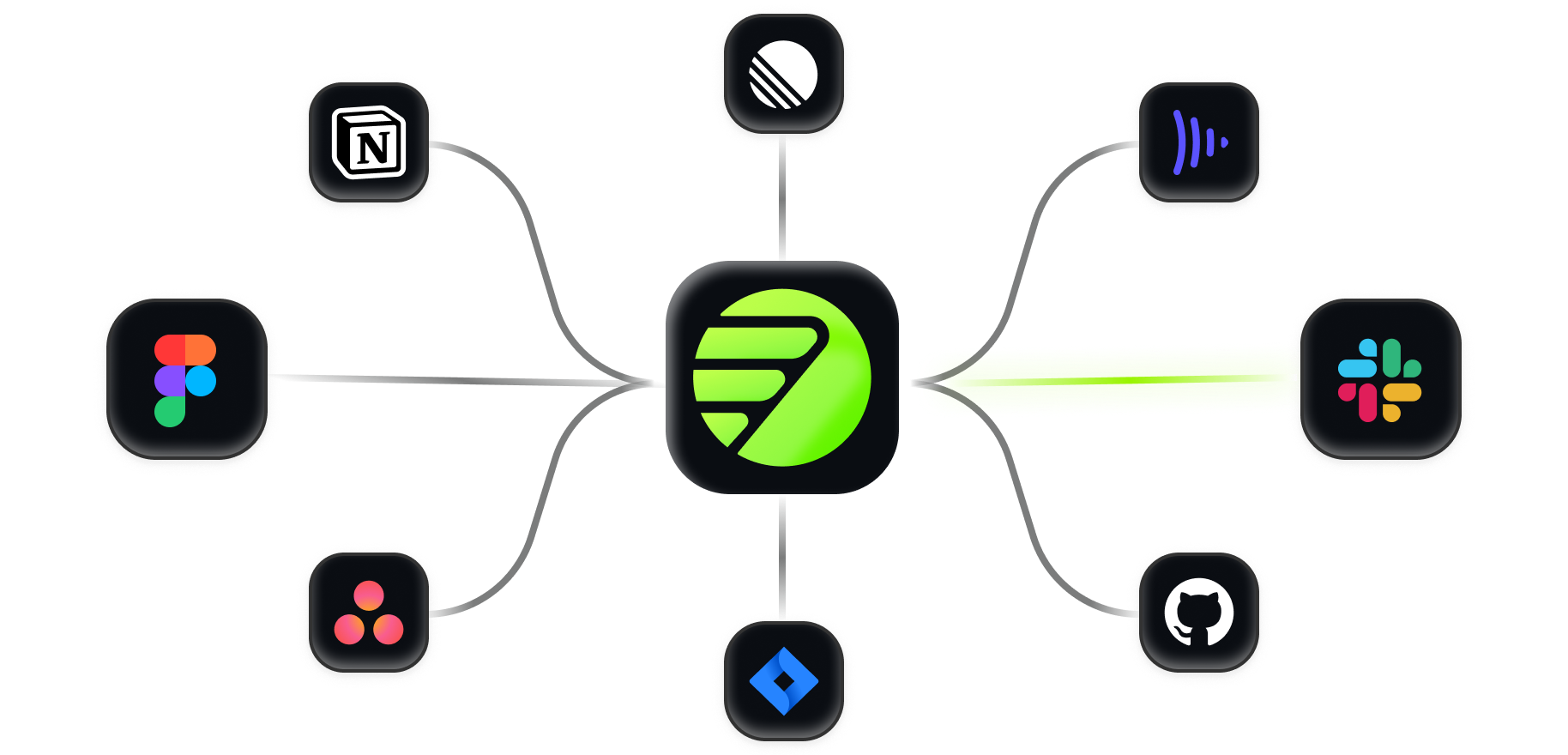
IT and Ops integrate GitHub, Slack, Linear, or any webhook. Hookshot™ separates trigger access from tool access, allowing teams to control what agents can view and what they can modify.
Step 02
Engineering and PMs describe an agent's job in plain language. Hookshot™ proposes integrations, tools, and edge cases, after which operators configure the model, prompt, schema, and runtime guardrails.
Step 03
Risk, Audit, and Ops can review every run and non-run decision, all of which are captured for review, coaching, and post-incident analysis.
Step 01
IT and Ops integrate GitHub, Slack, Linear, or any webhook. Hookshot™ separates trigger access from tool access, allowing teams to control what agents can view and what they can modify.
Step 02
Engineering and PMs describe an agent's job in plain language. Hookshot™ proposes integrations, tools, and edge cases, after which operators configure the model, prompt, schema, and runtime guardrails.
Step 03
Risk, Audit, and Ops can review every run and non-run decision, all of which are captured for review, coaching, and post-incident analysis.
Integrations
Each service can function as event ingress, action surface, or both. IT and Risk monitor connection status in real time, enabling them to scope, isolate, or revoke access before issues escalate.
Enterprise
Decision logs, along with run-level cost, token, and elapsed-time evidence, provide the information risk officers, auditors, and security reviewers require, available on demand.
Every decision is logged, including non-runs with documented rationale, ensuring audit-ready review.
Input, output, tools, step history, cost, and token usage are recorded for rapid root-cause analysis.
Read and write visibility is provided for every tool call, enabling reviewers to verify action scope efficiently.
Each outcome is classified for failure, allowing early identification of recurring reliability risks.
SOC 2 Type II ready, GDPR aligned, and configurable retention controls for compliance workflows.
Run-level Teaching Notes convert operator feedback into repeatable system improvements.
Fleet-level health views help teams prioritize remediation efforts.
FAQ
Build with us
Request early access or schedule a live walkthrough with our team.