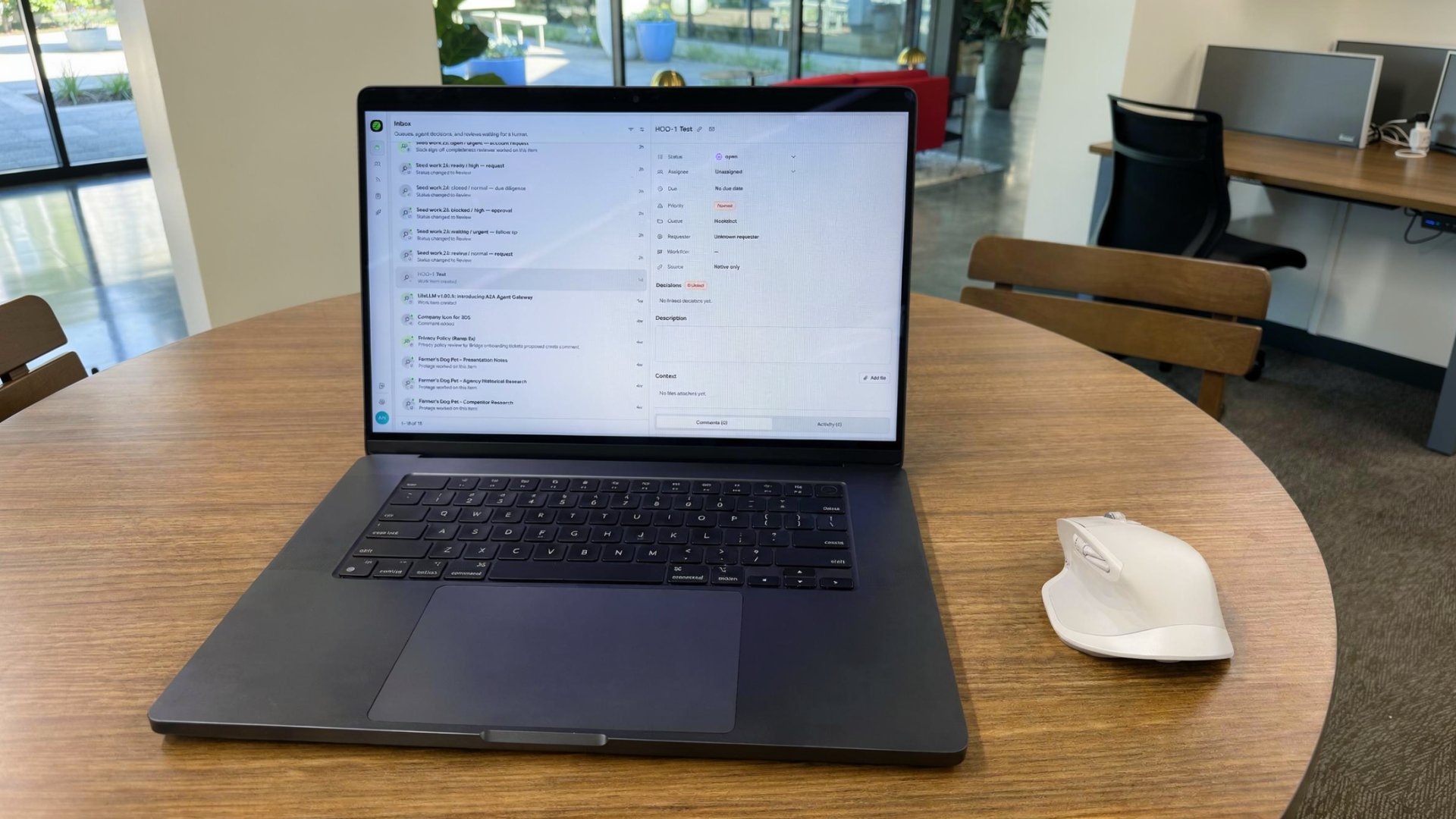
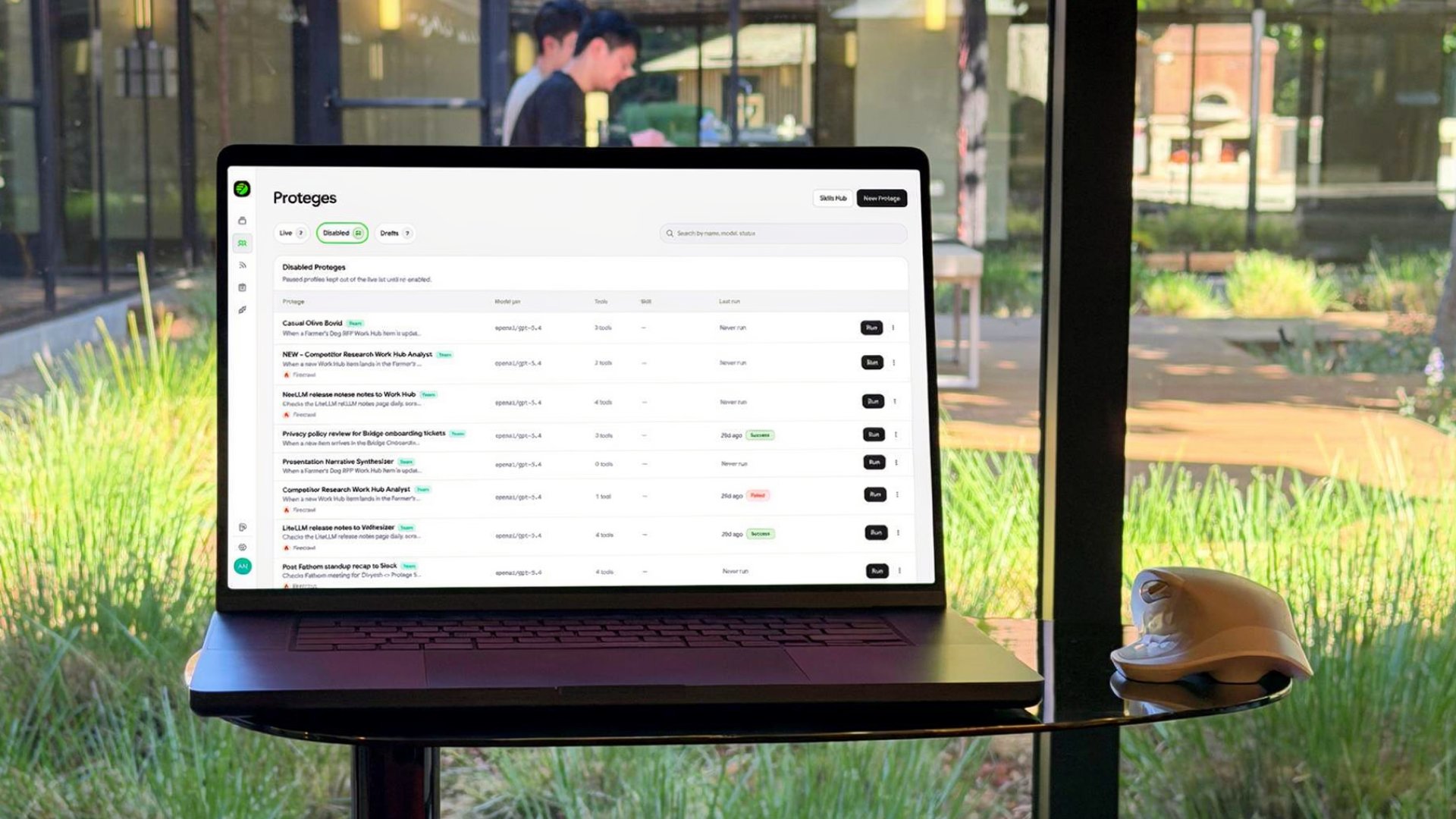
Every enterprise operations team runs the same loop a thousand times a day. A ticket lands. Someone reads it. Someone routes it. A system gets updated. A status gets logged. The work isn’t creative — it’s plumbing. And humans are the plumbing. Today we’re launching Hookshot™, event-driven workflow automation built for enterprise operations. Connect 1000+ tools to AI agents that listen to real events, route in parallel, and execute end-to-end — with full audit trails, RBAC, and approval gates the moment stakes get real.
“Stop being the router between your tools. Hookshot™ turns operational work into event-driven workflows that listen, route, and execute.”
What is event-driven workflow automation?
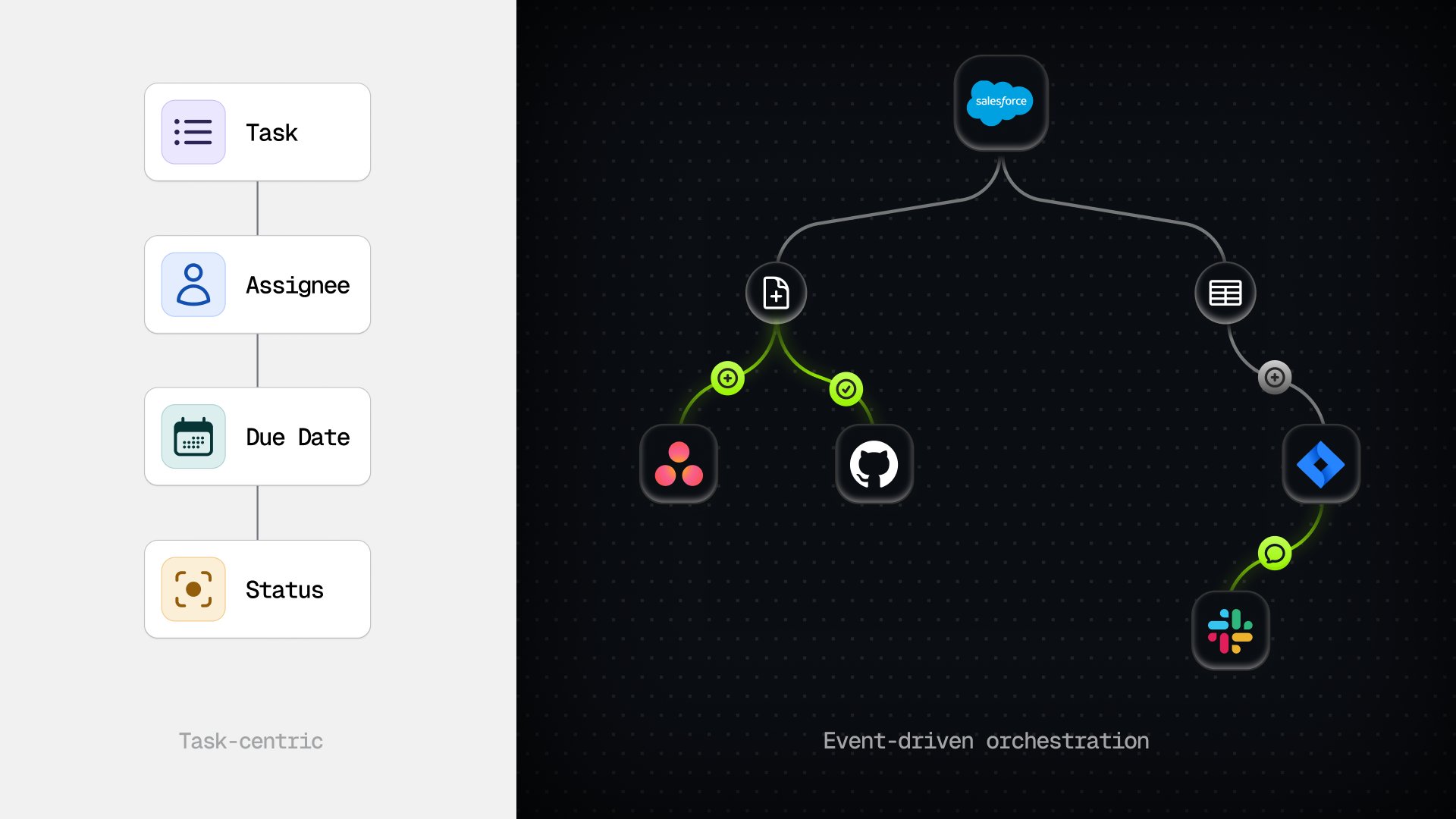
Event-driven workflow automation is a pattern where work is triggered by real events from real systems — a Jira ticket, a Slack message, a GitHub PR, a closed-won deal in Salesforce — rather than by schedules, manual kicks, or human routing. Each event flows into a central log, and the platform decides which automations should respond to it.
Hookshot™ extends that pattern with AI agents. When an event lands, Hookshot™ evaluates it, picks the right specialized agents, runs them in parallel, and writes back to the systems your team already uses. The unit of work isn’t a Zap or a node graph — it’s an autonomous agent that owns one job and does it well.
The problem: humans shouldn’t be the routing layer
Operations work hides in plain sight. A support escalation gets opened in Zendesk. Someone reads it, decides it needs engineering, copies it into Jira, posts about it in Slack, pings the on-call, then comes back later to update the customer. Multiply by a thousand a day, across every department, and you have a company whose most valuable people spend their time as routers.
The reason this happens isn’t laziness. It’s that the plumbing between tools has always required a human in the middle. Three things break when you try to fix it with traditional automation:
- Schedules don’t fit operational work. Real events don’t wait for a cron tick.
- Linear node graphs collapse at scale. Real workflows fan out across teams, tools, and decisions.
- Generic LLM agents can’t be trusted with production systems. No audit trail, no role-based control, no approvals.
Hookshot™ is built specifically to fix all three.
Meet Hookshot™ — event-driven automation built for enterprise
Hookshot™ is a platform with four foundational design choices that separate it from generic workflow tools and generic agent frameworks:
- Event-driven by default. Every connected tool emits events into a single, immutable feed. Agents listen — they don’t poll, schedule, or wait.
- Parallel agent execution. Specialized agents act on the same event concurrently. No single-threaded bottlenecks, no monolithic mega-prompts.
- MCP-native integrations. Every agent reaches out through the Model Context Protocol. Add a new tool and every agent can use it without code changes.
- Enterprise controls from day one. RBAC, approval gates, SSO, and audit logs — not bolted on at the Enterprise tier.
The result is a platform an ops leader can trust with high-volume operational workflows, and an engineering manager can defend in a security review.
How Hookshot™ works
Five layers, working together. Each one is observable on the Live Run Dashboard.
1. The event feed
Every trigger from every connected tool — a Jira ticket created, a Slack message posted, a Fathom call completed, a GitHub PR opened, an email received — lands in a single, immutable event feed. This is the connective tissue. One log, every system, every event, replayable.
2. Smart routing
A lightweight routing layer evaluates each event and decides which agents should respond. Only relevant agents activate, which keeps cost low and execution precise. The router is deterministic and inspectable — no surprise wake-ups, no “everything ran on everything” billing.
3. Agents execute in parallel via MCP
Each agent is a focused, atomic unit with one job. When triggered, it runs autonomously with access to the right tools through MCP. Multiple agents can act on the same event concurrently, mirroring how real teams operate — triage, owner notification, status update, and customer communication can all happen at once instead of in sequence.
4. Human-in-the-loop approval gates
Hookshot™ is not set-it-and-forget-it. A rules-based approval architecture lets you define which actions require a human sign-off before an agent proceeds. High-stakes operations — provisioning users, changing permissions, sending external communications, refunding customers — sit behind admin approval tickets and only execute when a human says yes.
5. Full audit trail
Every agent run produces a step-by-step audit log: which MCP tool calls were made, which decisions were reached, which models were used, what the outcome was, and what it cost. Compliance teams get an immutable record. Engineering teams get a debugger. Finance gets per-run cost attribution.
Hookshot™ in action: operational ticket automation at scale
The clearest test of an automation platform is volume. One Hookshot™ customer — a $100B+ market cap enterprise — uses Hookshot™ to triage and route more than 1 million escalation cases a year. Tickets land in their support system, Hookshot™ agents classify them, route them to the right team, update Salesforce, post the relevant context in Slack, and close out the cases that don’t need human judgment. Analysts only see the cases that actually need a decision.
That’s not a one-off integration. It’s a representative pattern: high-volume, low-decision-density work where a human in the middle is the bottleneck. Compliance review queues, IT provisioning, customer escalations, sales handoffs, incident triage — all of them look like this.
Built for enterprise from day one
Enterprise controls are the first thing we built, not the last:
- Role-based access control with tiered permissions. Different teams see different agents, different events, and different audit data.
- Approval gates on every sensitive action. Sign-off flows live next to the agent that needs them.
- SSO and SCIM for identity. Provisioning into Hookshot™ is the same as provisioning into any other enterprise tool.
- Immutable audit logs with full step-level detail. Exportable for SIEM and compliance pipelines.
- Model-agnostic execution. Run on Claude, GPT, Gemini, or open-source models. No vendor lock-in on the AI layer.
- Flexible deployment. Run Hookshot™ in managed cloud, private cloud, or your own infrastructure with the same core workflow engine.
If a customer can’t deploy a platform inside their own perimeter, it’s not enterprise-ready. Hookshot™ was designed so they can.
Native integration with the tools your teams already use
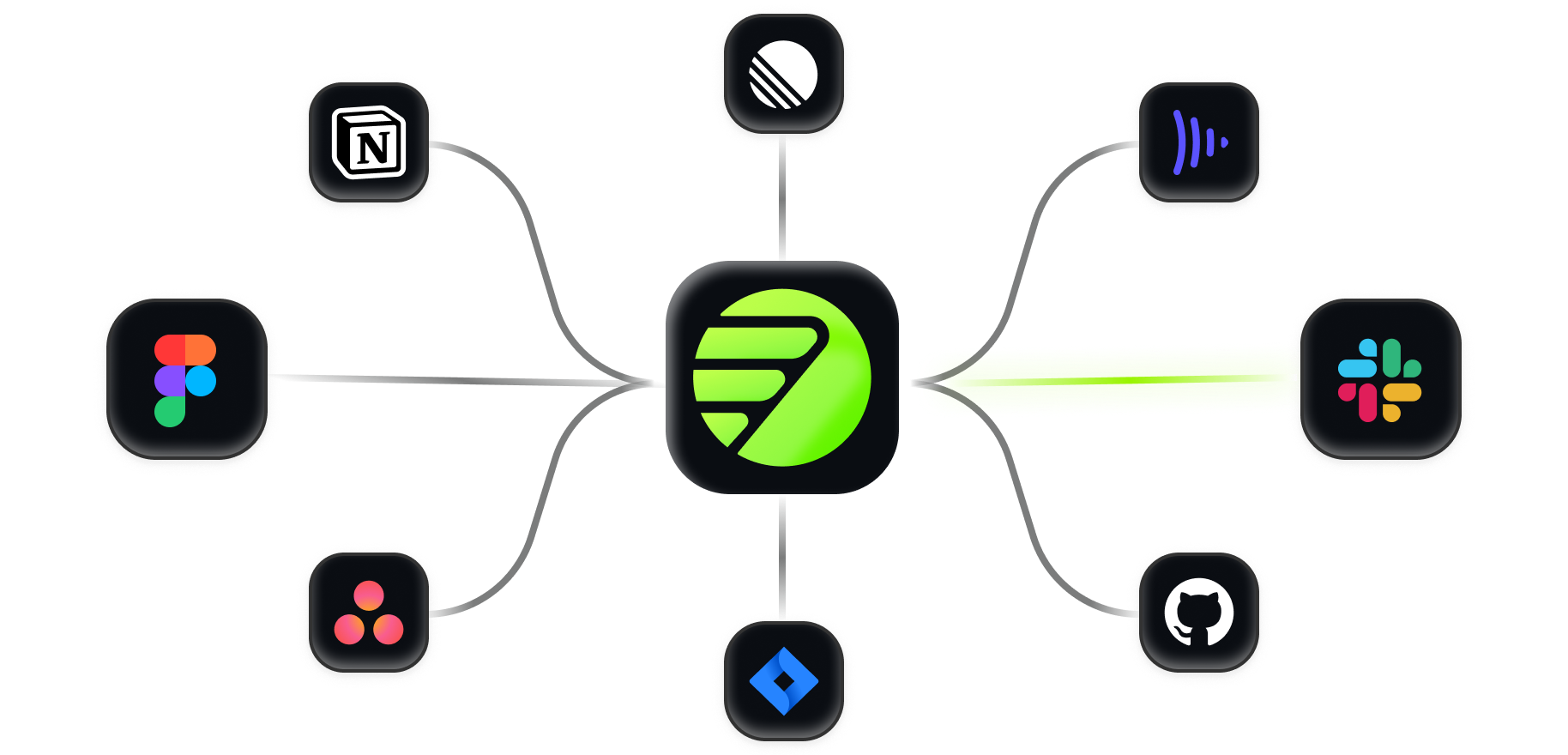
Hookshot™ ships with native event triggers and tool actions for the systems enterprise operations actually run on: Slack, Jira, Linear, GitHub, Asana, Salesforce, ServiceNow, Fathom, email, calendar, and a long tail of MCP-compatible servers. Every integration is a two-way street — Hookshot™ listens for events from the tool and writes actions back to it.
The Hookshot™ platform’s native integration layer for project management treats Asana and Jira events as first-class triggers and outputs. If your operations live in tickets and tasks, Hookshot™ is the fastest way to put governed agent workflows into production.
Why the Model Context Protocol matters for enterprise automation
Every Hookshot™ connector is an MCP server. That decision is what makes the platform extensible without us shipping a build.
The Model Context Protocol is the open standard for how AI agents talk to external systems. It’s becoming the USB-C of agent tooling — one cable, every device. By building on MCP, Hookshot™ inherits an ecosystem instead of a roadmap:
- Write a connector once, every agent uses it. No bespoke integration code per workflow.
- Adopt new tools the day they ship an MCP server. No vendor gating.
- Run the same agents from Claude Desktop, Cursor, or any MCP-compatible runtime. Your investment is portable.
For a deeper read on MCP and the data layer underneath enterprise agents, see Introducing Almanac.
Four high-leverage use cases
Operational ticket automation
Incoming support and escalation tickets trigger agents that classify, enrich, route, and update status automatically. Best for queues with high volume and predictable triage patterns.
Provisioning and deprovisioning workflows
User access requests flow through a rules-based approval agent pipeline that handles identity, license assignment, group membership, and offboarding. Replaces manual IT coordination, with an audit log good enough for SOX.
Cross-tool workflow coordination
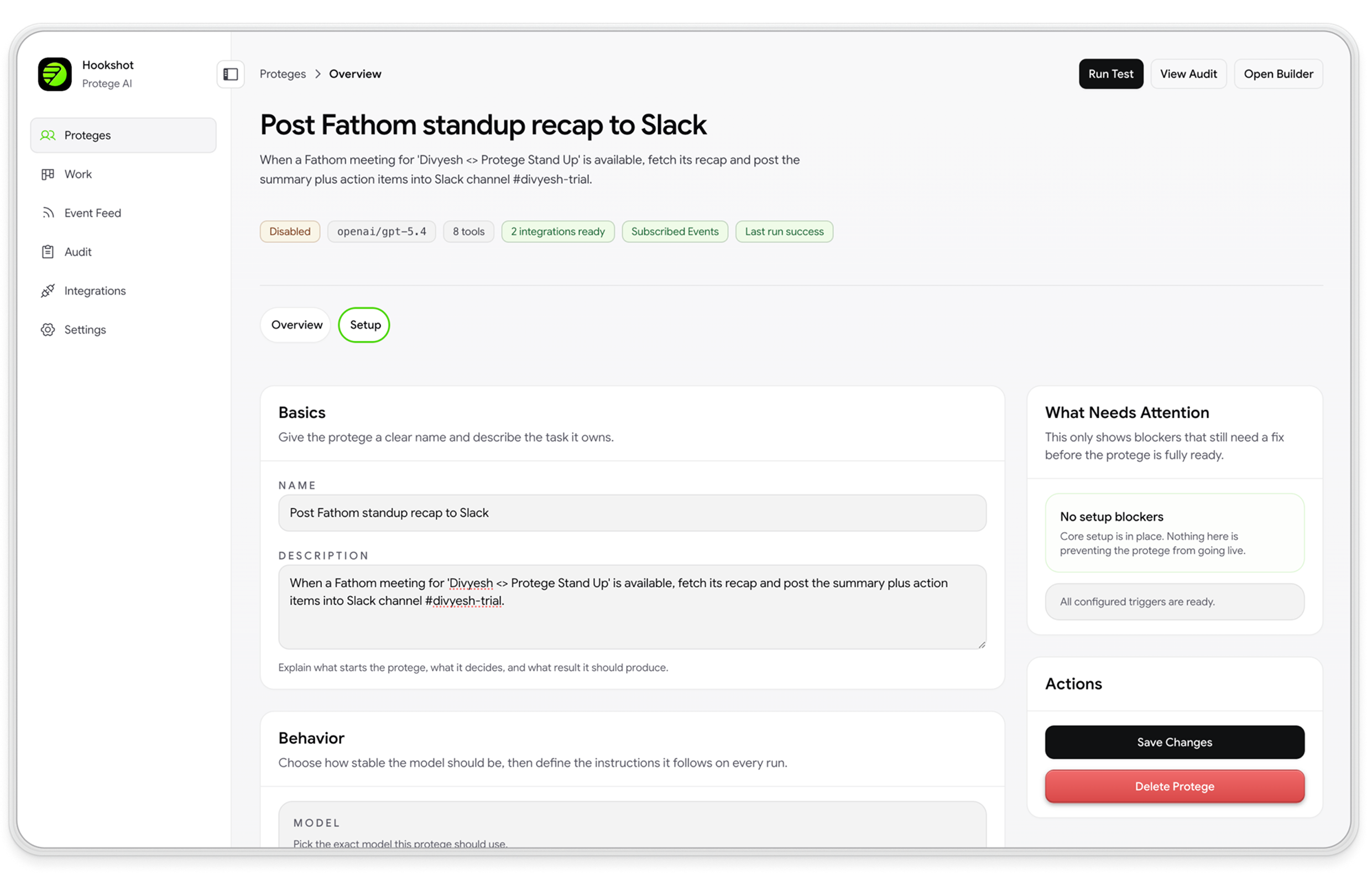
A Fathom call recording finishes, and Hookshot™ agents extract action items, create Linear tickets, update the Salesforce opportunity, draft a follow-up email, and post a summary in the deal channel — all in parallel, all under approval where it matters.
Continuous compliance monitoring
Agents continuously watch operational signals — config changes, access events, communications, transactions — and flag anomalies into structured review queues with full audit records. Compliance teams move from sampling to coverage.
Get started with Hookshot™
Hookshot™ supports managed and private deployment models:
- Hookshot™ Cloud. Managed, SOC 2, ready to go. Best for teams who want event-driven automation working in a week.
- Private deployment. Best for teams that need infrastructure control, custom networking, or stricter security boundaries.
Use the same architecture, connectors, and approval rules model across both paths. Book a demo at /hookshot and we’ll recommend the right deployment for your environment.
Hookshot™ is live today. If you run high-volume operational work and you’re tired of being the routing layer, book a demo. We’ll help you stand up the right deployment model for your team.
Frequently asked questions
What is Hookshot™?
Hookshot™ is an event-driven workflow automation platform for enterprise operations. It connects 1000+ tools — Slack, Jira, Linear, GitHub, Asana, Salesforce, ServiceNow, Fathom, email, and more — to AI agents that listen for events and automatically execute multi-step workflows, with RBAC, approval gates, and full audit trails built in.
What is event-driven workflow automation?
Event-driven workflow automation is a pattern where work is triggered by real events from real systems — instead of by schedules, manual kicks, or human routing. Hookshot™ extends the pattern with AI agents that act on those events autonomously, in parallel, across your tools.
How is Hookshot™ different from Zapier, n8n, or Make?
Zapier, n8n, and Make are excellent for linear "if this, then that" workflows between SaaS apps. Hookshot™ is built for a different job: high-volume operational workflows where multiple specialized agents need to act on the same event in parallel, with enterprise controls (RBAC, approval gates, audit logs) and AI judgment in the loop. If your automation needs are mostly one-to-one between tools, use the lighter platforms. If they look like an operations team's day, use Hookshot™.
Which tools does Hookshot™ integrate with?
Native connectors for Slack, Jira, Linear, GitHub, Asana, Salesforce, ServiceNow, Fathom, email, and calendar — plus any MCP-compatible server, which extends the list to thousands of community and vendor-built connectors. Every connector supports both event triggers and tool actions.
Can Hookshot™ run on our own AI model?
Yes. Hookshot™ is model-agnostic — run agents on Claude, GPT, Gemini, or self-hosted open-source models. The model choice is per-agent, which means you can route high-volume cheap work to a small model and reserve frontier models for the agents that need them.
Can Hookshot™ run in our own infrastructure?
Yes. Teams can deploy Hookshot™ in private environments when they need infrastructure control, network isolation, or custom compliance boundaries. Hookshot™ Cloud is available for teams that want a managed deployment path.