Surprise Changes on Live Tasks
AI Studio rules can update Asana work without preview on live tasks before writes. Ops and PMO teams find out after stakeholders are already confused.

Asana AI Studio vs Hookshot™
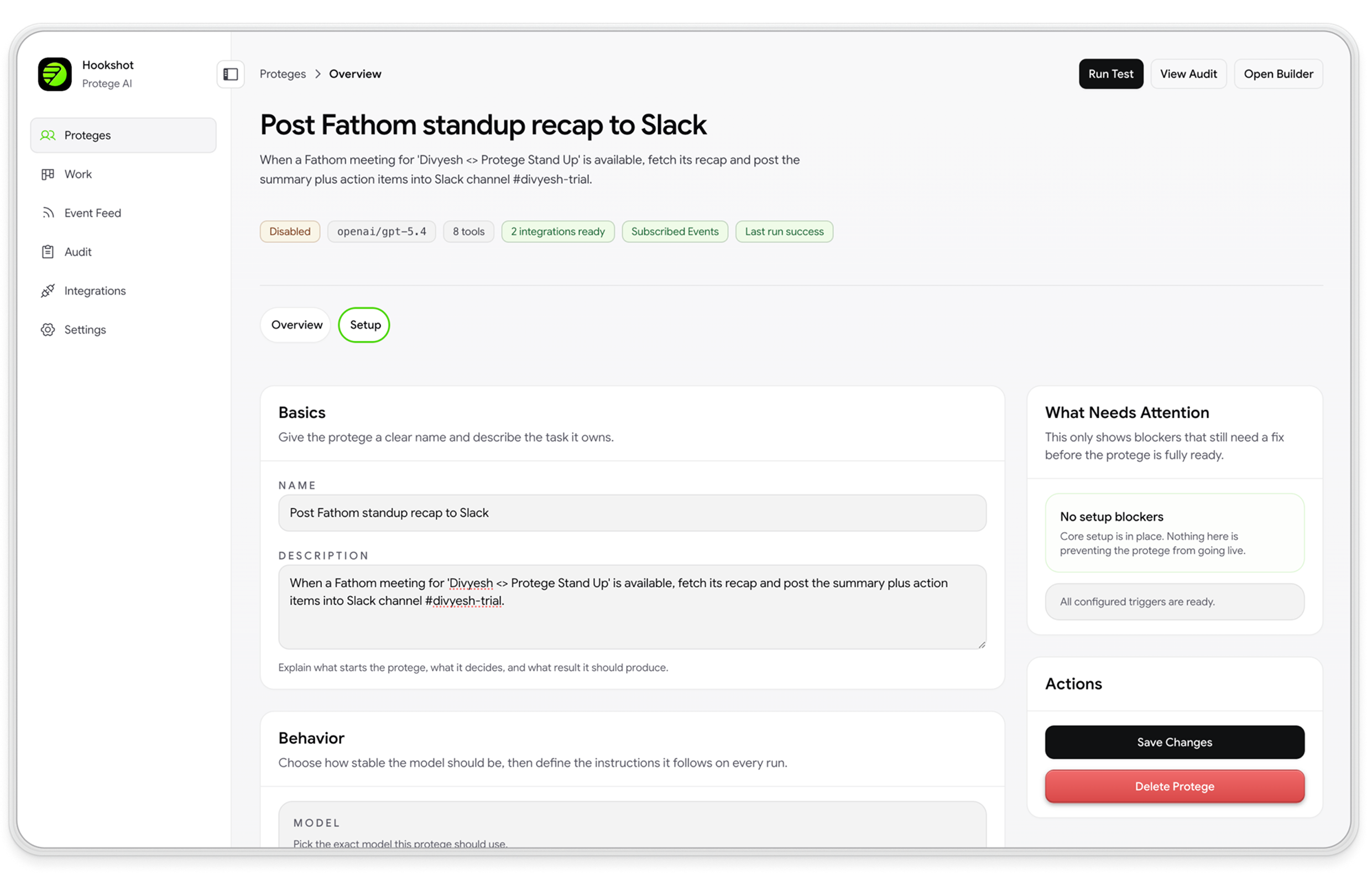
For ops managers, program managers, and PMO teams who live in Asana. Keep your projects and tasks where they are; add governed automation for routing, updates, and cross-tool handoffs.
The gap
These are coordination and admin problems—not reasons to leave Asana.
AI Studio rules can update Asana work without preview on live tasks before writes. Ops and PMO teams find out after stakeholders are already confused.
Enterprise audit logs cover security events—not a per-run record of what each rule decided, skipped, or approved when leadership asks about a portfolio or queue.
Requests often start in Asana, but the next team works in Jira or ServiceNow. AI Studio does not orchestrate downstream ticket work—someone opens a new record and the story gets told again.
Why Hookshot™
Governed automation on top of Asana—so program managers spend less time chasing status and PMO teams can stand behind what changed.
Purpose-built agents for intake, assignment, and handoffs—not one brittle AI Studio rule trying to cover every program.
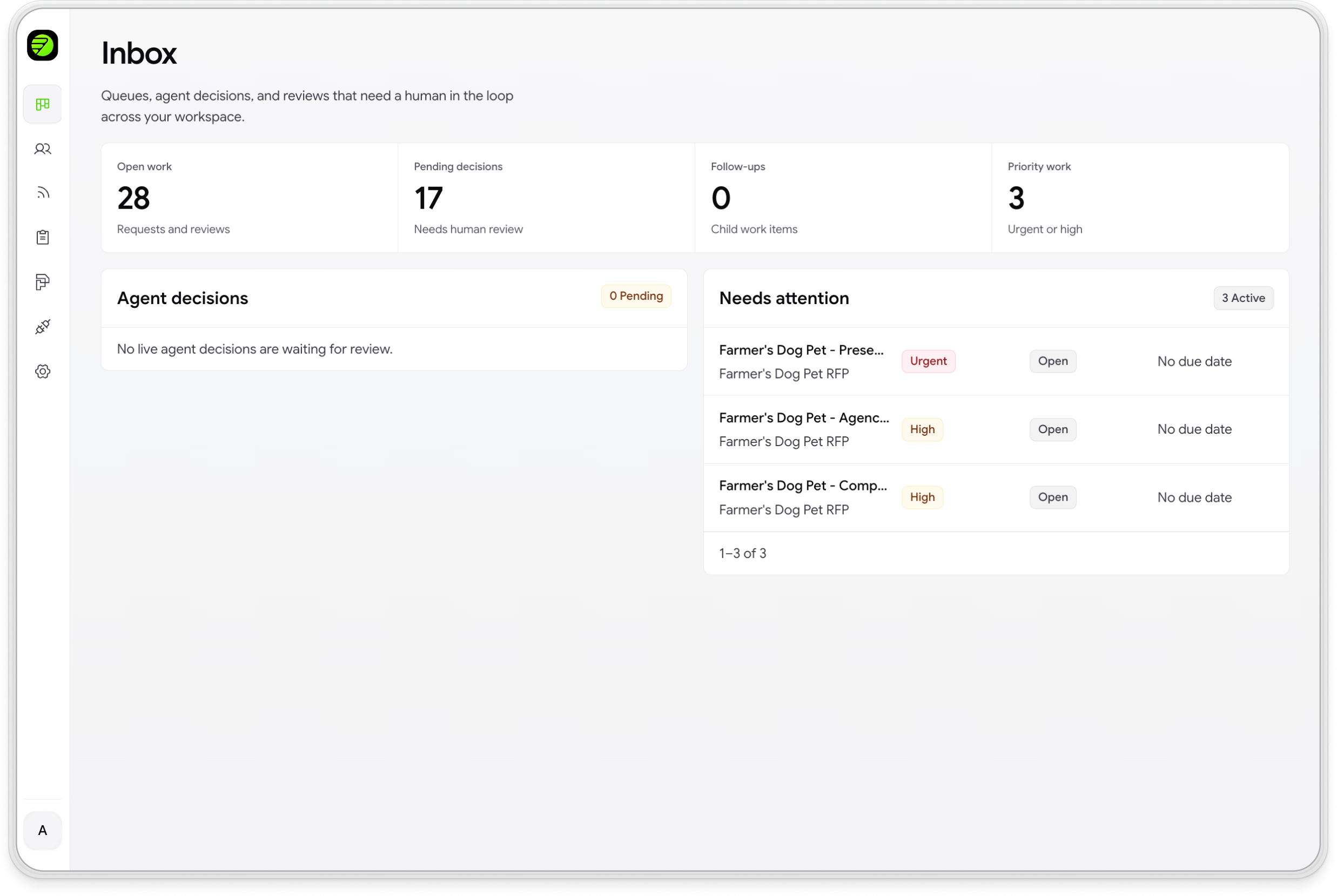
See proposed updates on live Asana work. Approve low-risk moves automatically; require a human for sensitive changes.
Keep Asana as the plan of record while agents update Slack, Jira, and ServiceNow—so cross-functional operators stop re-keying status.
For ops managers and PMO teams running intake in Asana: connect your queue, let the agent work alongside live requests, and review every proposed change. Turn on updates only when behavior matches how your team actually coordinates work.
See the workflow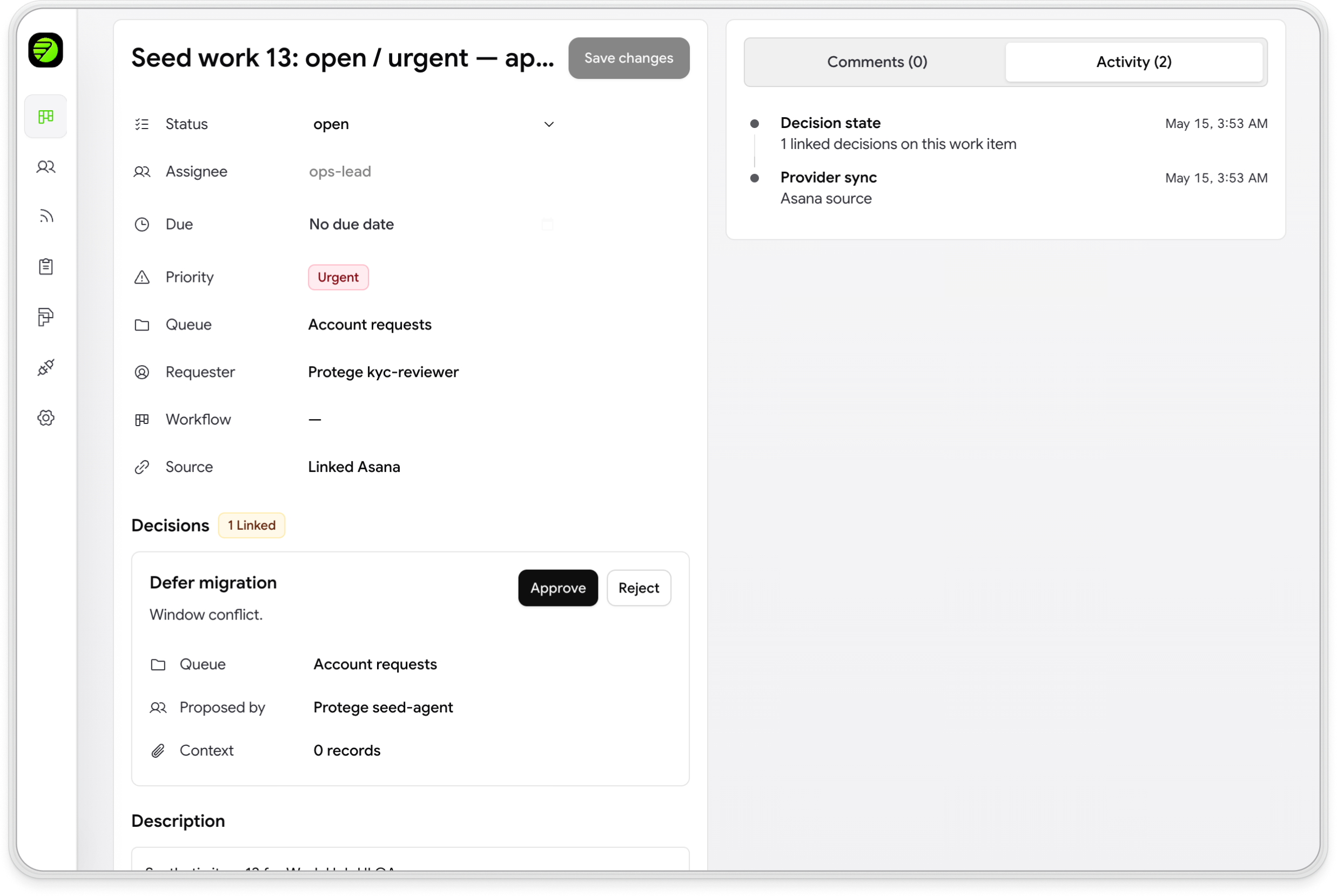
Two ways to win
Same governed automation stack. Most teams on intake queues start with the recommended path below; program leads coordinating across tools can start with cross-tool coordination.
Program & ops leads
Cross-Tool Coordination
Best for program managers and ops leads whose work spans Asana, Slack, Jira, and ServiceNow. Asana stays the source of truth; Hookshot™ handles governed routing and updates.
PMO & queue owners
Queue Automation (Workhub)
Best for operations managers and PMO teams replacing AI Studio on intake or shared-service queues. Workhub learns from past requests and previews on live work first.
Side by side
Compare governed automation for coordination and admin—not a project management feature checklist.
| Capability |  |  |
|---|---|---|
| Keep planning and tasks in Asana | Yes (native) | Asana stays your system of record |
| Replace AI Studio for request-queue automation | Native (in-product) | Workhub for queues; custom agents on the platform |
| Preview changes before tasks update | No preview on live tasks before writes | Preview on live work before tasks update |
| Record of what automation did (for PMO / reviews) | Security audit log; limited per-run agent record | Full run record and audit trail |
| Coordinate across Slack, Jira, ServiceNow | Slack intake + Jira sync; limited cross-SOR orchestration | Governed routing and cross-tool updates |
| Approval rules by risk or task type | Workflow rules; varies by setup | Governed approvals and escalation |
| Learn from past requests in the queue | No queue history baseline for agents | Queue history baseline + Agent Builder |
| Roll out automation without disrupting live work | High risk of day-one task changes | Preview-first; turn on updates when ready |
Asana and AI Studio are trademarks of Asana, Inc. Hookshot™ integrates with Asana for project work. Hookshot™ replaces AI Studio–style automation for coordination and queues without replacing Asana as your project management system. Comparison reflects publicly documented product capabilities as of May 2026.
Works with your stack
Hookshot™ connects the tools around your Asana programs—so cross-functional operators are not the integration layer.
FAQ
Talk to us
Walk through your real setup with our team—preview proposed task changes on live work before you turn automation on.